Generate

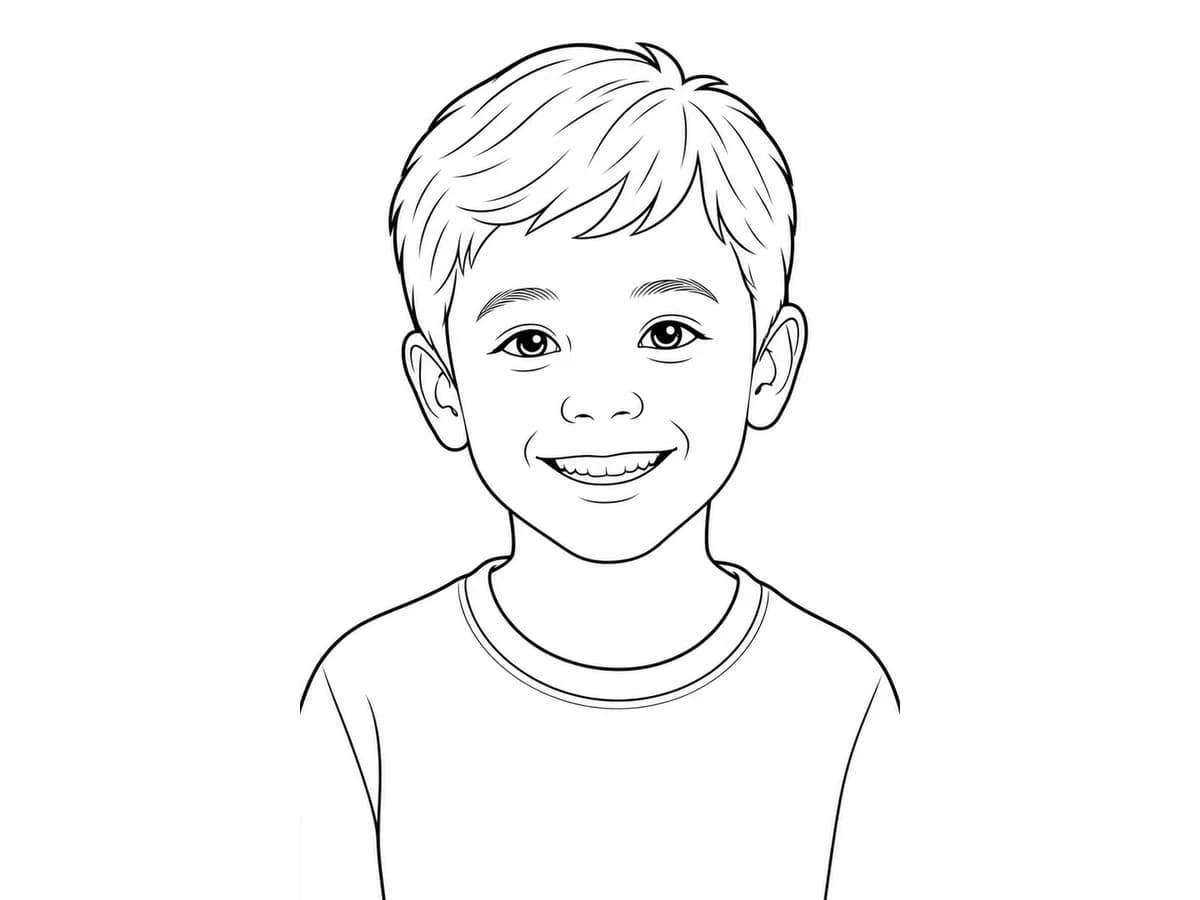
Family portrait photos
Convert personal portraits into familiar coloring pages for family keepsakes and guided activities.
Use a focused photo converter for the exact job: upload an image, get a black-and-white outline, then print or save the page.
JPG, PNG, or JPEG files work best when the subject is clear and well lit.
Opens the photo to line art tool.
Real use cases from the same photo-to-line workflow.
Convert personal portraits into familiar coloring pages for family keepsakes and guided activities.
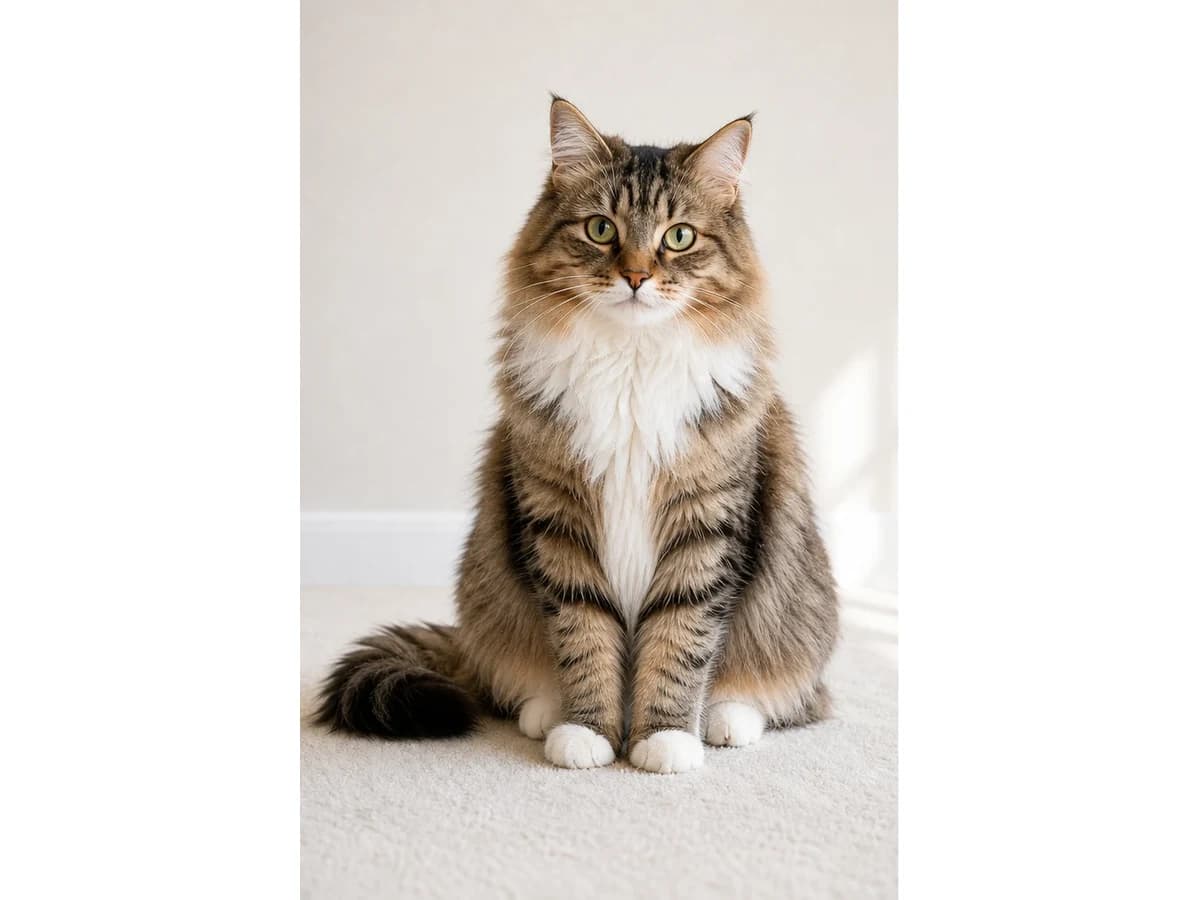
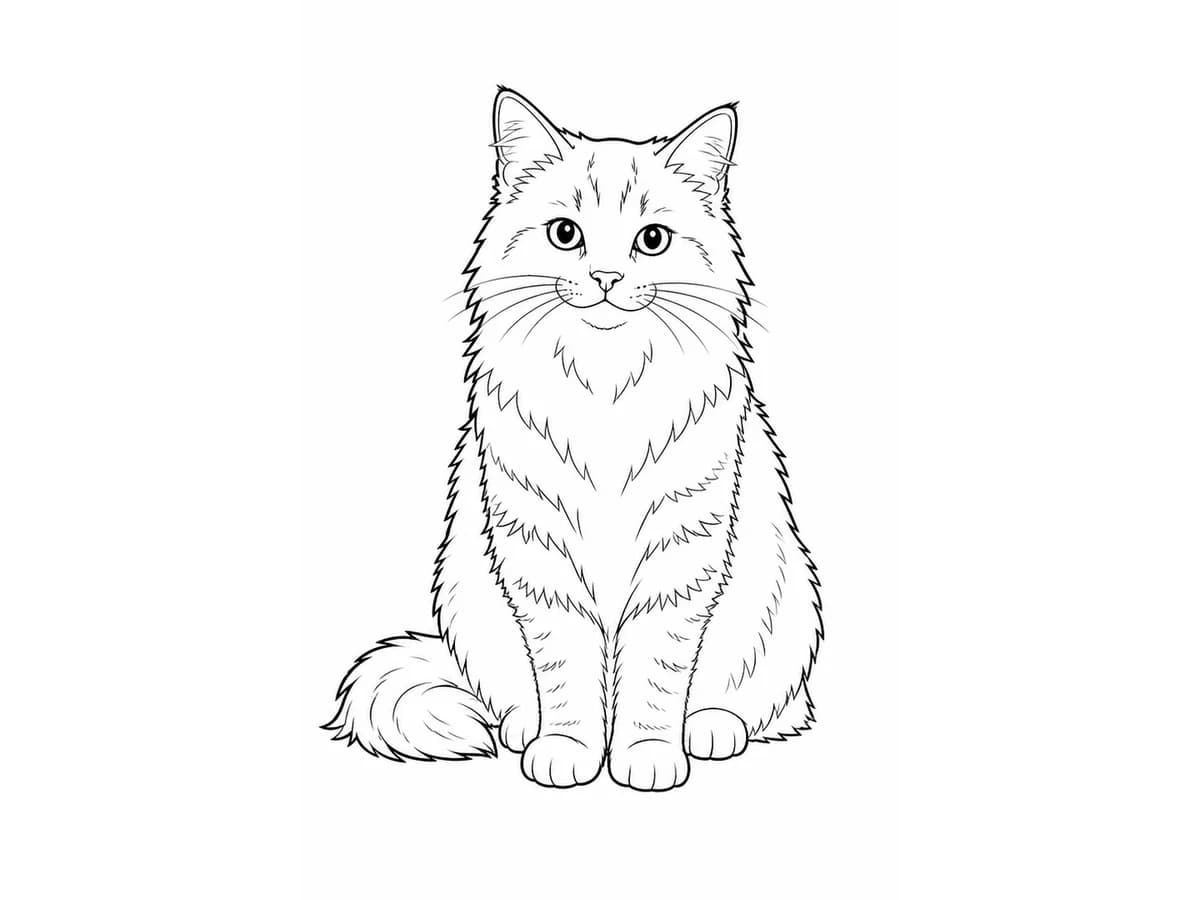
Use a clear pet photo to create a page that still feels personal.
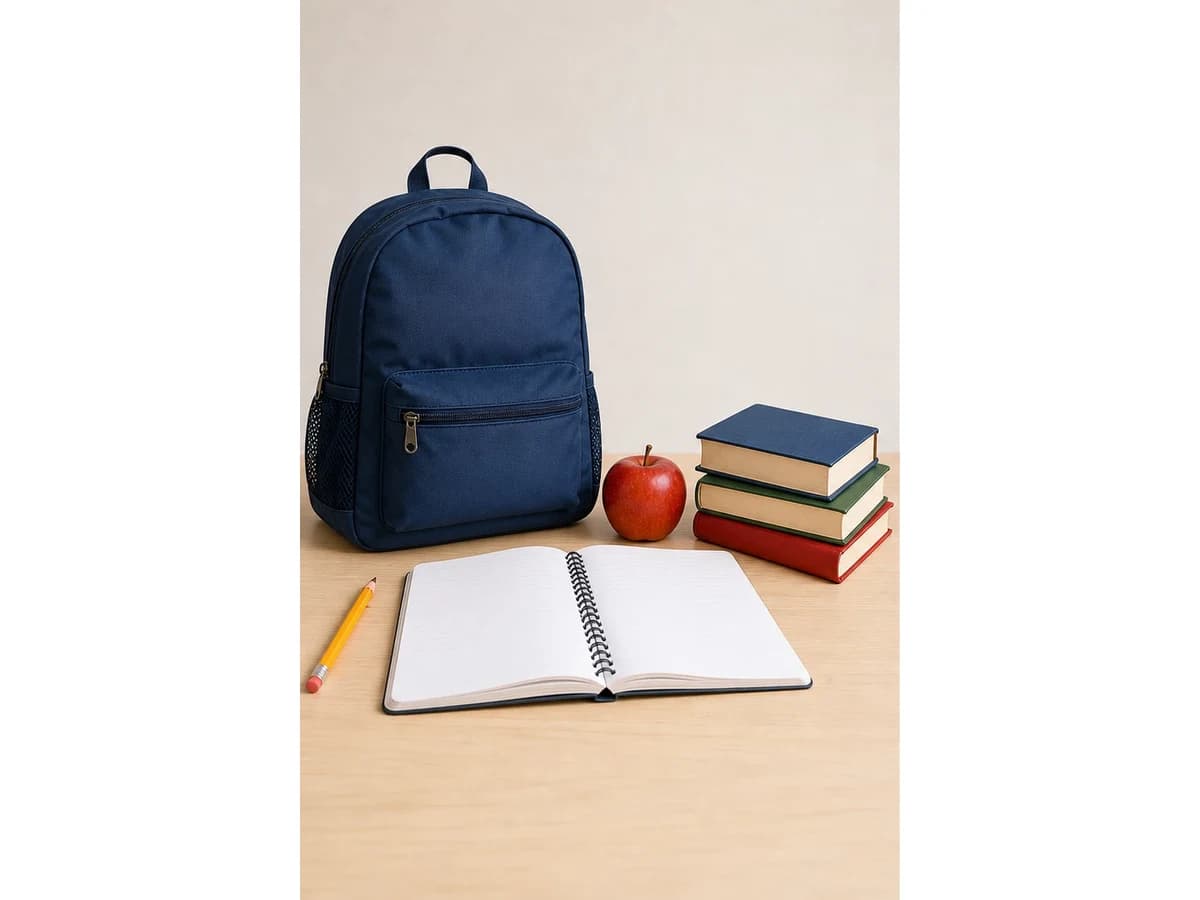
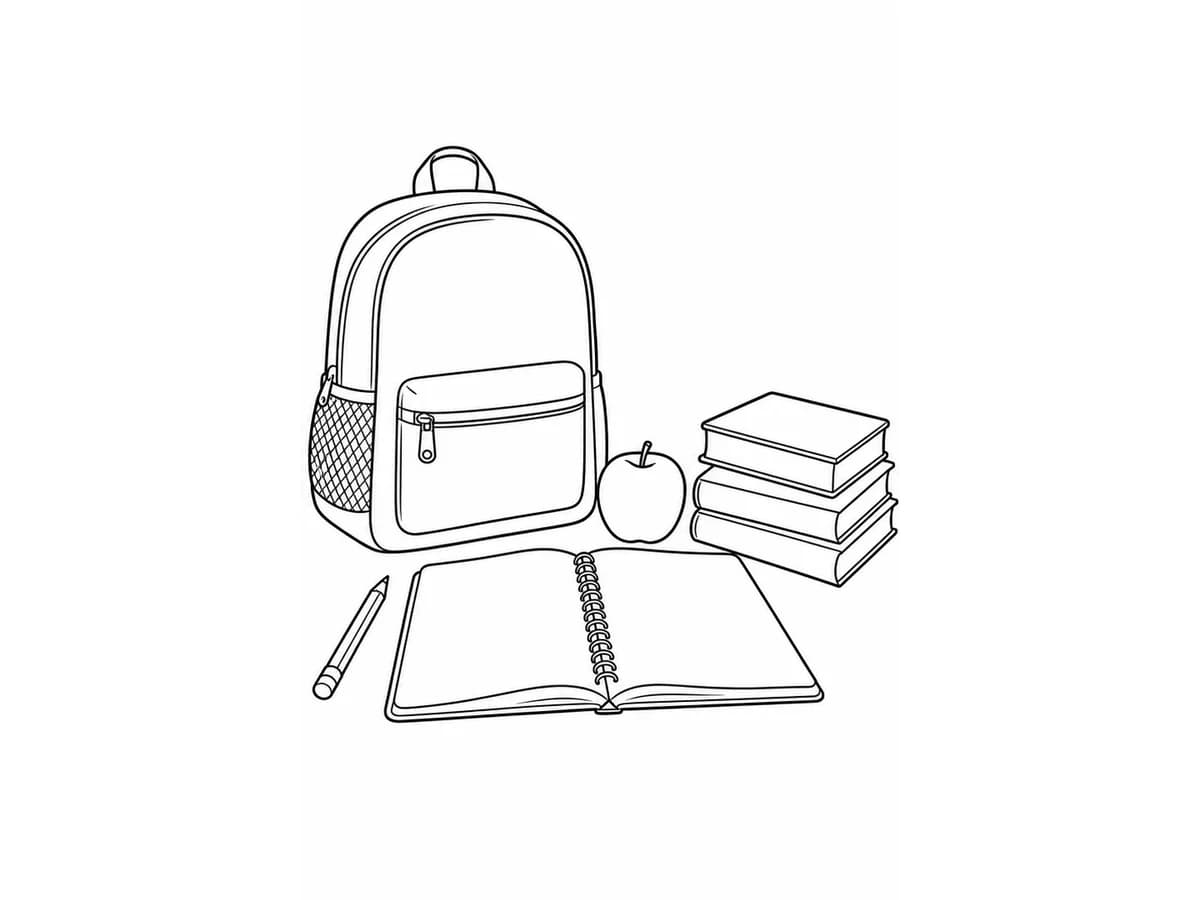
Convert teacher-prepared objects into simple printable pages for guided lessons and activities.
Start with one clear JPG, JPEG, PNG, or WebP image and open the converter workflow.
The AI converter extracts the main subject and redraws it as clean coloring-page line art.
Save the preview or upgrade when you need HD, PDF delivery, no watermark, and private history.
Start with a free standard preview, then upgrade when the file needs HD detail, PDF output, no watermark, and private handling for personal photos.
Download Free Preview
Standard PNG with a small watermark for review.
Unlock HD PNG + PDF
No watermark, print-ready files, and Private Mode.
The value is the file users can print, save, and reuse. Keep the first result simple, then upgrade when quality, format, or usage rights matter.
Use a standard PNG preview with a small watermark to evaluate the conversion before paying.
Choose HD PNG output when the converted photo needs cleaner print edges and repeat use.
Download a print-ready PDF after conversion so the page is easier to share, archive, or print.
Paid conversion exports remove the watermark and keep uploaded photos private by default.
The after image is generated from the before photo, so the same subject, pose, camera angle, and crop carry through to the line art preview.
Use the page when you already have a photo and just need a printable result.
Convert personal photos for birthdays, holidays, travel memories, and family activities.
Save time when preparing multiple coloring pages for lessons, shops, or content.
Answers for search visitors who want a practical photo conversion flow.
Open the converter, upload your image, generate the line art, then download the output when the result is ready.
PNG, JPG, JPEG, and WebP files work well. Clear, well-lit images with one main subject usually produce cleaner outlines.
Yes. If the first image has too much clutter or weak lighting, upload another photo and run a new conversion.
Yes. Uploaded photos and generated results are private by default and are not shown in public galleries.
Start with the preview, then use a paid export or plan when you need HD PNG, PDF delivery, watermark removal, or commercial-use rights.
Upload a clear image and create a printable coloring page from it.